Flight cancellations are a headache for any traveller — and they happen more often than you might think. Sometimes it’s due to airline-side issues like crew scheduling problems, ground-staff shortages or aircraft maintenance. Other times, external causes such as bad weather, air-traffic control restrictions or regulatory delays force cancellations or sudden rescheduling. When you’re travelling with IndiGo, this can throw a wrench into your plans — whether it’s a work trip, a family visit, or a holiday. In this guide, our main purpose is to help travellers understand exactly what to do when IndiGo cancels their flight: how to quickly get a refund or rebook without extra cost. We promise a simple, step-by-step roadmap to help you navigate the chaos — so you know exactly what to do next when your flight gets cancelled. If you frequently fly with IndiGo, it’s also useful to understand how bookings, changes, and flight management work in advance through this complete guide to booking and managing IndiGo flights .
What happens when IndiGo cancels or reschedules your flight
Flight cancellations or reschedules by IndiGo can be triggered by a variety of factors: airline operational decisions (e.g. crew shortages, aircraft availability), unexpected technical issues, regulatory or air-traffic restrictions, and even weather disruptions. Sometimes such changes result from circumstances beyond the airline’s control — but regardless of the cause, your rights remain the same.
When IndiGo cancels or reschedules your flight, the airline must notify you through your registered contact (SMS, email or call), and offer you a choice: either rebook you on an alternative flight or provide a full refund.
Given recent weeks have seen large-scale disruptions and widespread cancellations across many routes, knowing these rights is more important than ever. Many of these disruptions are part of wider aviation challenges, including flight cuts and airspace restrictions that directly affect travellers.
Whether the cancellation stems from crew-duty regulations, technical issues or other volatile conditions, as long as you’re informed and your booking is from IndiGo, you are eligible for rebooking or refund — and you shouldn’t be penalised for the disruption.
What is “Plan B” — IndiGo’s rebooking/refund tool for cancelled/rescheduled flights
“Plan B” is the tool IndiGo provides to passengers whose flights are cancelled or significantly rescheduled by the airline. It is specifically meant to help you rebook or cancel your ticket — free of charge.
When does Plan B apply
You can use Plan B if:
- Your flight has been cancelled by IndiGo.
- Your flight schedule is changed by the airline: either brought forward by 1 hour or more, or delayed/postponed by 2 hours or more.
What Plan B allows you to do
Through Plan B you have these options — at no extra cost:
- Review and accept the revised schedule (if the new timings suit you).
- Rebook your flight: choose another date or time, without paying additional charges.
- Cancel the booking altogether and get a full refund. Since the disruption is from the airline’s side, there are no cancellation fees.
What you should know about limitations
Once you choose an option under Plan B — for example, rebooking or cancellation — any further changes or cancellations will likely be subject to normal charges, per IndiGo’s standard terms and conditions.
Also, if your booking was made via a third-party travel agency rather than directly through IndiGo, the refund will be handled by the agency, not by IndiGo directly.
Step-by-Step Guide — IndiGo Flight Cancellation Guidance.
Step 1 — Check your flight status immediately
As soon as you suspect a disruption — or you receive a message from IndiGo — your first action should be to verify your flight status. You can also track live updates using IndiGo’s real-time tools before heading to the airport or Go to the IndiGo website or open the mobile app and navigate to “Manage Booking.” Enter your PNR/booking reference along with your last name exactly as it appears on your ticket.
The system will display the current status of your flight, clearly marking whether it is “Cancelled,” “Rescheduled,” “Delayed,” or operating as normal. If your flight is cancelled or significantly rescheduled, you will automatically qualify for free rebooking or a refund under IndiGo’s Plan B options. Checking early helps you secure the best alternate flight and avoid long queues or last-minute complications.
Step 2 — Choose between rebooking or refund via Plan B
If IndiGo cancels or substantially reschedules your flight, you are entitled to rebook at no extra cost or cancel and receive a full refund. Passengers typically receive a Plan B link via SMS or email when the disruption occurs. Clicking that link takes you directly to your personalised rebooking/refund options.
If you didn’t receive the link, you can manually access Plan B through the IndiGo website › Manage Booking › Plan B section.
Under Plan B, you will see your choices:
- Rebook on another IndiGo flight at no additional fare difference. You can choose a new departure time or even a different same-city airport if available.
- Accept the revised schedule if IndiGo has automatically allocated you a new timing.
- Cancel for a full refund, with zero cancellation fees, since the change originated from the airline.
Once you decide, confirm your selection. Remember that after using Plan B, any further changes follow normal fare rules. If you’re unsure about airline policies during disruptions, this guide on flight delays and cancellations explains passenger rights in detail.
Step 3 — Understand refund processing & payment method implications
If you select a refund, IndiGo processes it back to your original method of payment. Travellers using cards or reward points should also understand how airline refunds interact with loyalty programs. For online bookings (card, UPI, net-banking, wallets), refunds typically post within 5–7 business days, depending on your bank. Some gateways may take slightly longer.
If you purchased your ticket with cash at an airport counter, IndiGo will process the refund at the same airport counter where the purchase was originally made.
For bookings made through travel agencies or third-party platforms (EaseMyTrip.), IndiGo sends the refund to the agency, not directly to the passenger. You must follow up with the agency for release of the funds.
If your refund hasn’t arrived within the expected timeline, contact IndiGo via email (e.g., customer.experience@goindigo.in) or through the in-app chat or customer care number. Keep your PNR, ticket copy, and transaction details handy so support can verify the request quickly.
Step 4 — When you’re already at the airport or in transit
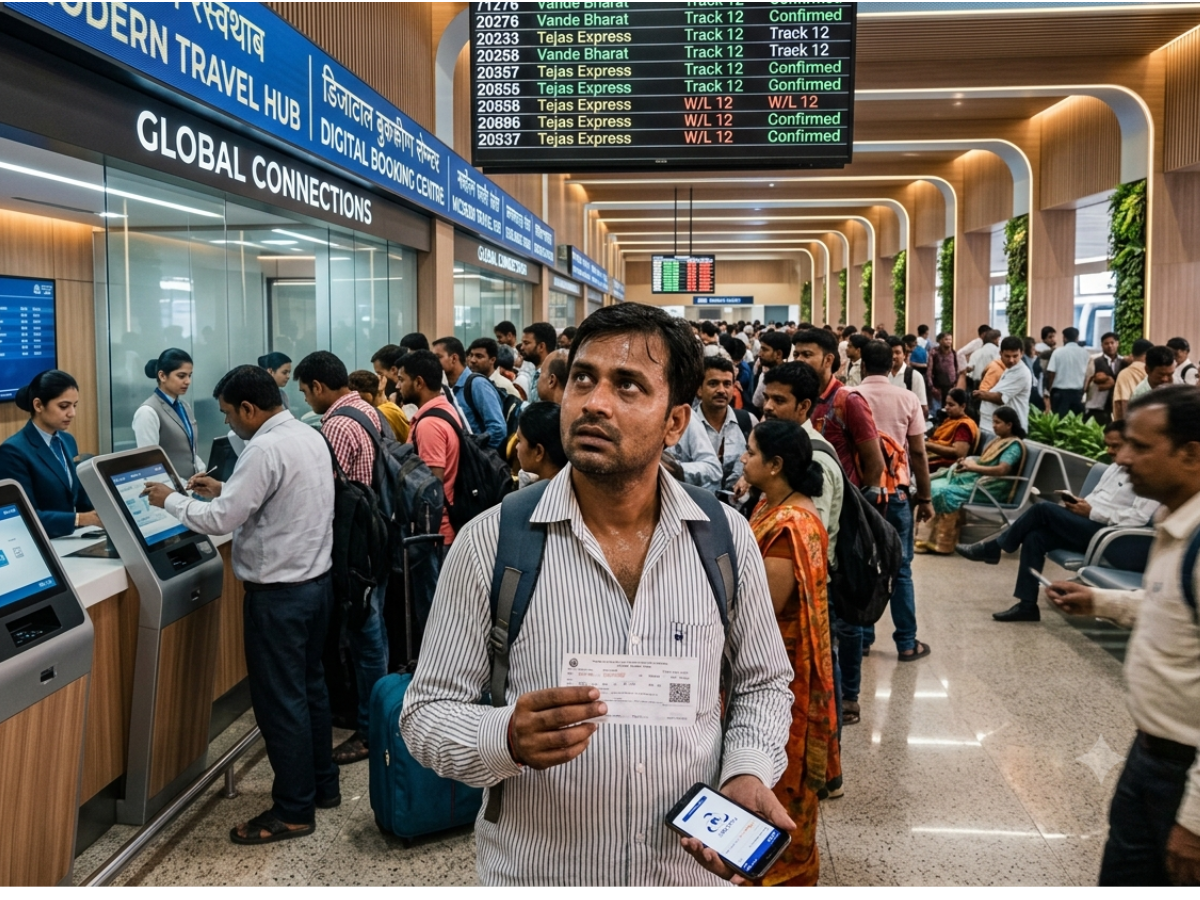
If your flight gets cancelled while you are already at the airport — or if the change affects a connecting flight or multi-segment itinerary — head immediately to the indigo assistance desk or speak with ground staff. They can rebook you on the earliest available alternative, or process cancellation if you prefer a refund.
During large-scale disruptions, ask whether you are eligible for assistance such as meal vouchers, hotel accommodation, or transport, depending on the delay duration and applicable regulations. If your connecting flight is affected, IndiGo may help re-route you or place you on the next viable option.
Act quickly — passengers who respond early generally secure better rebooking options and avoid extended waiting times.During extended delays, passengers may also explore flight upgrades or premium services to improve comfort if alternatives are available.
When cancellation/reschedule is initiated by you vs. by the airline
It’s important to understand whether the change to your travel plan was voluntary (initiated by you) or involuntary (initiated by IndiGo), because the rules and fees differ significantly.
If you cancel or reschedule your flight voluntarily — for example, due to a change of plans or personal reasons — IndiGo will apply its standard cancellation or change fees based on your fare type. These charges can vary depending on how close you are to the departure time, and fare differences may apply if you choose to reschedule.
However, when the airline cancels or significantly reschedules your flight, the situation changes entirely. Under IndiGo’s Plan B guidelines, you are entitled to a full refund with no cancellation charges, or a free rebooking on another flight. This applies even if the new available flights are more expensive — you will not pay a fare difference.
During large-scale disruption periods, airlines or even government regulators may offer temporary waivers, allowing more flexible refunds or free changes regardless of fare rules. It’s always wise to check the latest announcements from IndiGo and aviation authorities, especially during nationwide disruptions or operational crises.
Expected processing times and possible delays
Once you apply for a refund, IndiGo typically processes it within 5–7 business days for tickets paid using online methods such as credit/debit cards, net banking, or UPI. Bank turnaround times can vary, so the amount may reflect a little later depending on your issuer.
Refunds for cash bookings made at airport counters, or agency/third-party bookings, may take longer. These cases often involve manual steps or require coordination with the travel agency, which can extend processing time.
If your refund hasn’t been credited within the expected window, contact IndiGo’s customer support team, email them with your PNR, ticket copy, payment details, or follow up with your travel agency if the booking was made through them. Quick action and complete documentation make resolution faster.
Tips to avoid hassles & get refund/rebooking smoothly
- Always keep your PNR, booking reference, registered email, and mobile number accessible when contacting IndiGo or using Plan B.
- Pay close attention to SMS and email notifications from IndiGo — these alerts usually include important links for rebooking or refunds.
- Act quickly once you’re notified of a cancellation or schedule change. Early use of Plan B gives you more flight options and shorter waiting times.
- If you booked through a travel agent or online portal, stay in regular touch with them. Refunds will be issued to the agency first — it’s not automatic for the passenger.
- Keep screenshots, receipts, or confirmation emails of the cancellation or revised schedule as evidence in case you need to escalate a refund delay or lodge a formal complaint.
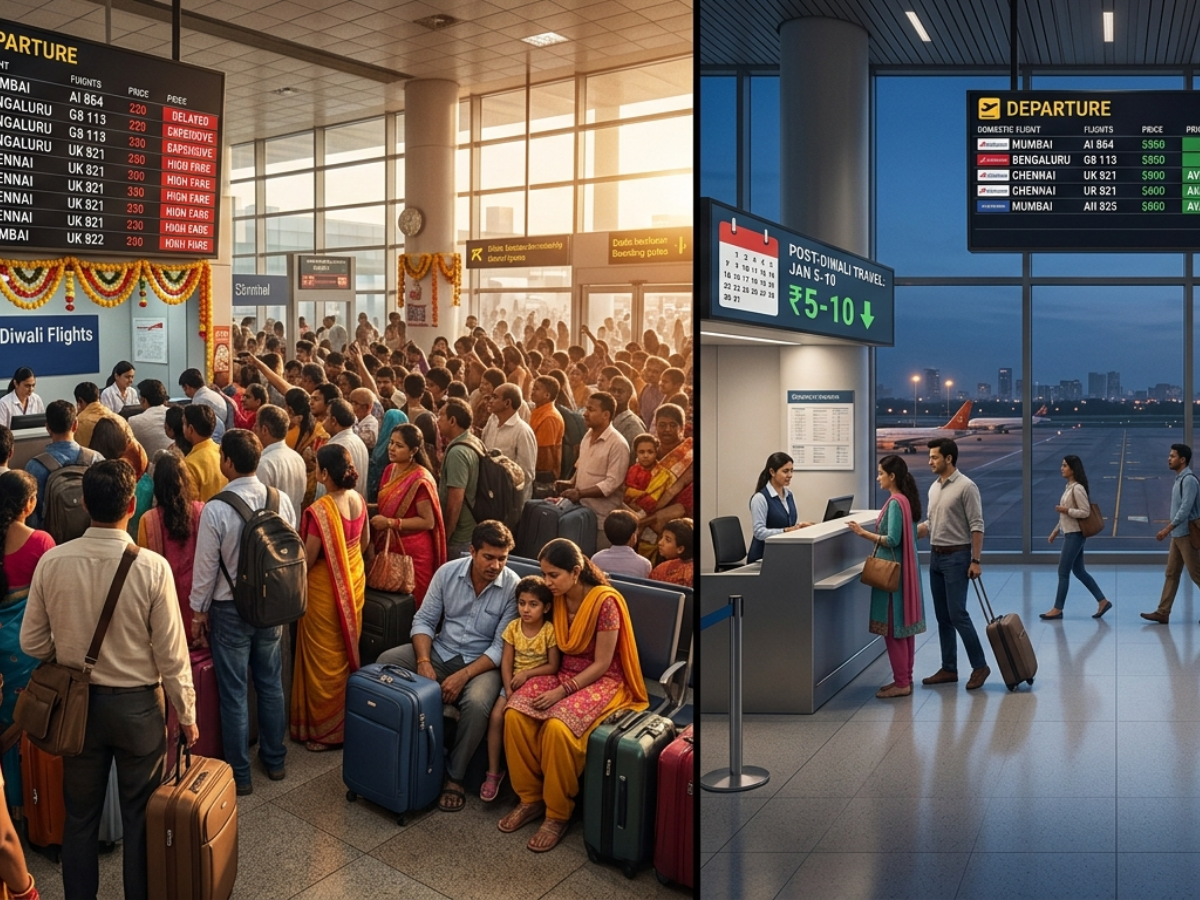
- To reduce overall travel costs after disruptions, follow these tips to get discounts on domestic flights.
What to Do If Things Go Wrong — Customer Support & Escalation.
Contact channels for IndiGo support
If you face issues with your refund, rebooking, or Plan B, IndiGo offers multiple support channels. The quickest place to start is the official website or mobile app, where you can use the Manage Booking, Refund, or Plan B sections to review your options or submit a request.
For assistance via email, you can reach IndiGo at customer.experience@goindigo.in. In some specific cases, especially for escalations or documentation-based concerns, you may also be advised to contact customer.relations@goindigo.in.
If you prefer speaking to a representative, IndiGo provides customer care phone numbers for Indian travellers, all listed on the official website under the Contact/Support section. Keep your PNR, registered email, and mobile number handy to speed up verification.EaseMyTrip users can also get quick assistance through Easy Buddy, which helps with booking, changes, and support-related queries.
What to do if refund doesn’t arrive / rebooking unavailable / technical issues
If your refund hasn’t been credited within the expected timeline, follow up promptly. Email IndiGo with your PNR, booking reference, payment details, and screenshots of cancellation messages. If you prefer calling, have these details ready so the agent can look up your case quickly.
Sometimes the Plan B link sent via SMS or email may not open, or available rebooking slots may temporarily disappear during high traffic. Retry after a short interval; system loads are often heavy during mass disruptions. If the link still fails, contact IndiGo support to manually process the rebooking or refund.
For travel agency or third-party portal bookings, escalate directly with the agency if your refund is delayed. IndiGo typically sends the refund to the agency first, and the agency must release it to the passenger.
In severe disruption periods (e.g., mass cancellations due to weather or operational issues), expect longer queues and response times. Maintain a record of emails, SMS alerts, payment proofs, and screenshots so you can escalate if needed. Many of today’s faster refunds and rebooking options are powered by newer airline technologies such as NDC and next-generation distribution systems.
Conclusion
Flight cancellations and sudden schedule changes can be inconvenient, but knowing exactly what to do can make the process far smoother. By checking your flight status promptly, using IndiGo’s Plan B for free rebooking or refunds, and keeping track of how your payment method affects refund timelines, you can avoid unnecessary delays and fees. If problems arise — such as missing refunds, unavailable rebooking slots, or technical issues — IndiGo’s support channels and your travel agency (if applicable) can help resolve them quickly, especially when you keep all booking details and screenshots handy.
Understanding your rights, acting promptly, and staying informed are the keys to navigating cancellations stress-free. With these steps, travellers can save time, reduce hassle, and confidently manage any IndiGo flight disruption.If you’re cancelling due to personal reasons and still want to save money, these last-minute flight booking tricks can help reduce losses.
FAQs
What is Plan B?
Plan B is IndiGo’s dedicated tool for passengers whose flights are cancelled or significantly rescheduled. It allows free rebooking or full refunds with no penalties.
When am I eligible for Plan B?
You qualify if IndiGo cancels your flight or changes your schedule by more than the allowed thresholds (typically +1 hour advance or +2 hours delay).
How long does the refund take?
Online payment refunds generally take 5–7 business days. Bank or agency handling times may extend this slightly.
What if I paid in cash?
Cash-booking refunds are processed through the airport counter where the payment was made. Processing may take longer due to manual verification.
What if I booked via a travel agency?
IndiGo refunds the agency, not the passenger directly. You must follow up with the agency to receive the final refund.
Can I rebook on a different airline instead of IndiGo?
Under Plan B, rebooking is allowed only on IndiGo-operated flights. You may book another airline separately, but Plan B will only refund your original IndiGo ticket.
Do I get meals or accommodation if stranded?
Assistance depends on the delay duration and regulations. During long delays, IndiGo may provide meal vouchers, refreshments, or hotel accommodation, depending on the circumstances.
Note: This guide is for informational purposes only and based on publicly available data. For the most accurate, up-to-date details, always refer to goindigo.in.






 December 8, 2025
 Share
Share
 Download as PDF
  From
From 
 Departure Date
 Travellers & class
 Rent For
 Departure Date









 Share
Share 






{{cmnt.comment}}